In 2025 I spent five months in Perth, Western Australia, as a Digital Asset Coordinator with Fortescue’s global communications team. The job was the company’s first company-wide digital asset library: more than 65,000 files and 20TB of video, photography and campaign work from across a company that spans continents. My part was bringing it together, and building the tagging, user roles, file standards and training behind the move to one central library.
A library that size lives or dies on one thing: can people find what they need without asking someone?
Start every name with the date
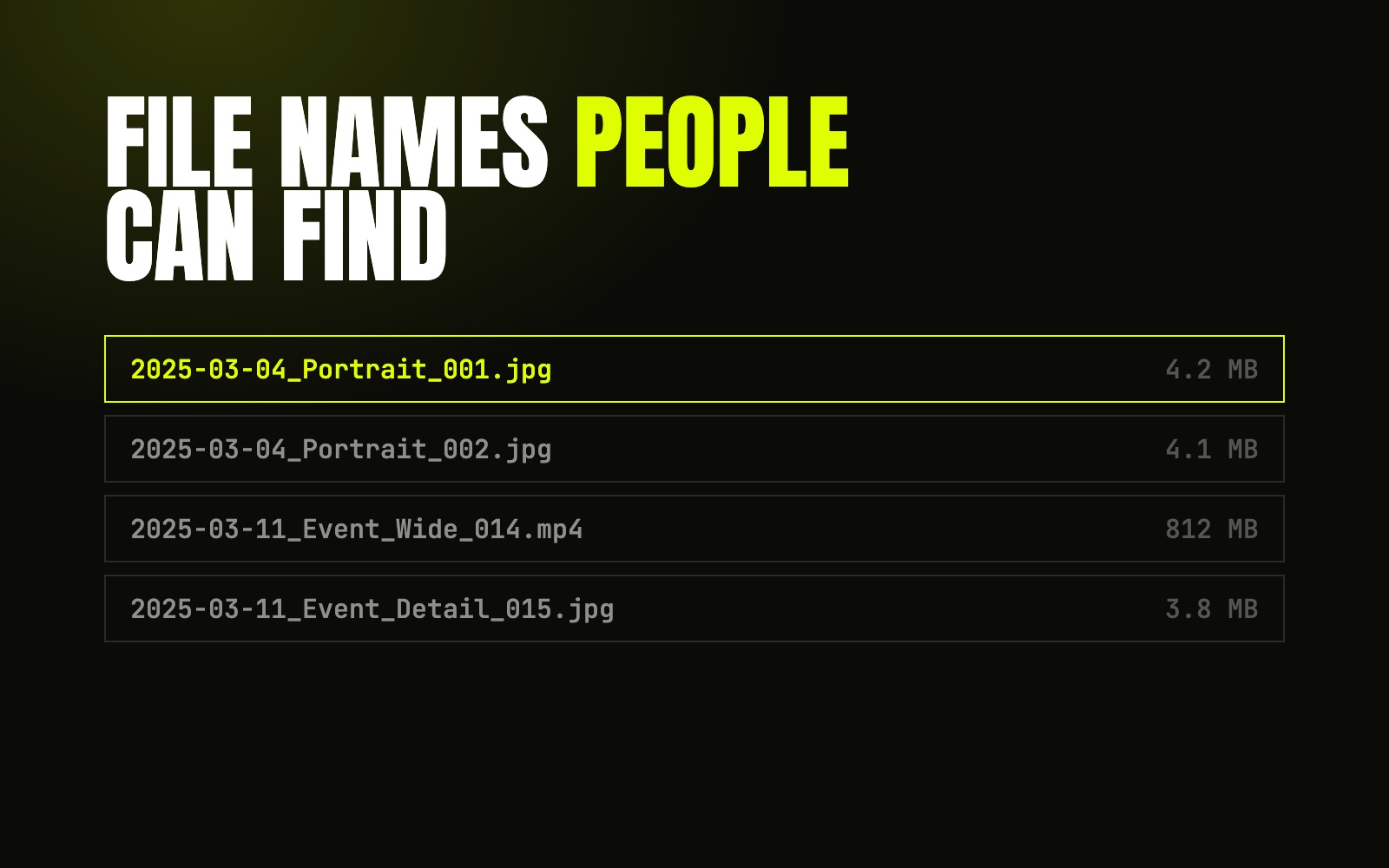
The simplest rule did the most work. Every file name starts with the date, then the subject, then a number:
2025-03-04_Portrait_001.jpg2025-03-11_Event_Wide_014.mp4
Year, month, day, in that order, means files sort themselves in time order in any folder, on any computer. Nobody has to open a file to know roughly when it’s from.
A taxonomy people actually use
Tags are only useful if everyone tags the same way. A short, agreed list beats a long, clever one. If people have to think about which tag to use, they won’t tag at all.
Permissions that make sense
Not everything in a brand library is free to use. Some photos are cleared for internal use only, some for a set time. Permissions need to be visible on the file itself, so nobody has to guess.
Training is part of the system
The best structure fails if nobody knows it exists. Showing people how the library works, and why, is what keeps it tidy after you’ve walked away.
Most of it comes down to one idea: name and file things for the person looking for them later, not for yourself today.
Written by Joseph Carey · 29 Sep 2026